
This cruising life is awesome. We get to go to beautiful places, off the beaten track, and see amazing sights. We are free as birds and have only loose plans, steering a course that can be changed at a moment’s notice, changing destination on a whim to explore new and exciting shores.
The most interesting locations are often the most remote, places where few people live and even fewer visit. Invariably, these places have no internet, and so most of our lives now are lived offline, a fact that comes with its own challenges.
It is at once liberating and frustrating to not have internet access. It gives us a lot more time in our lives – once offline, we realise how much time we normally spend online, checking news, emails, social media, browsing TED talks and looking up any questions that come to mind.
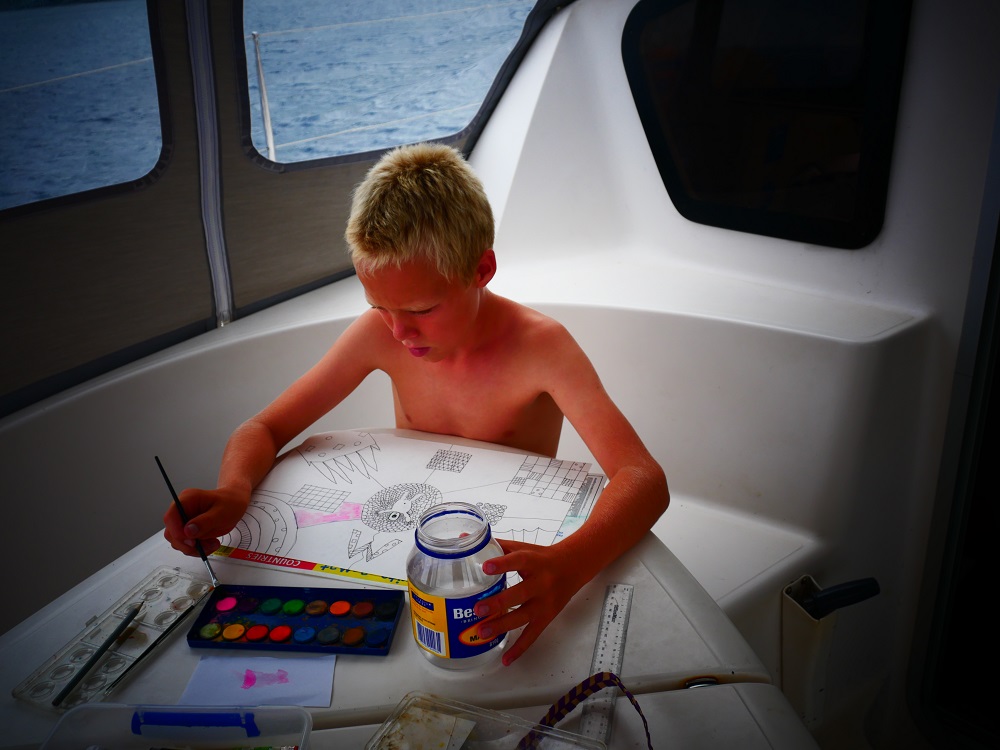
At the same time, it is frustrating because many aspects of modern life simply assume uninterrupted internet access. Take schooling – we joined Te Kura, the New Zealand home schooling system, when we first started the trip. Their teaching is mainly done online, and students use applications such as Mathletics, Reading Eggs, and Google Classroom as a platform for student-teacher communication and collaboration. At first we thought we could work offline in Google Classroom, syncing when we got internet access, but it soon became clear that this only works if being offline is the exception rather than the rule. For example, we couldn’t start new files offline, and the syncing once online used unfeasible amounts of data.
Then we tried Microsoft Office, emailing documents, presentations and the occasional spreadsheet to the teacher. However, gone are the days where you just download Microsoft Office and use it. Nowadays, hefty periodic updates are required to run it, and even if you switch off the updates, the application is still required to connect to the internet monthly to validate the Office subscription and download more glossy screensaver imagery. Which means that for our two laptops with a Microsoft Operating System, Office doesn’t work half the time because internet wasn’t available when a check-in was due. Every time we reach internet the laptops stall for a day to update, the tiny little dots spinning round and round on the screen as we stare at it in impatient disbelief whilst our data is sucked dry.
This leads to many frustrations, where David, a staunch Linux-only-user, derides all Microsoft products and rants for hours about how badly Bill Gates’ products suck as he triumphantly continues to use his Linux laptop (which never needs any updates ever) while the rest of us are reduced to pen and paper. It is not news that anyone technologically minded abhors Microsoft’s clunkiness and there is no doubt that OpenOffice is almost as good, although I worry about the conversion when we have to email documents to official institutions like Customs in the countries we sail through.
As an added complication, I keep forgetting my Microsoft account password, the retrieval of which is complicated by the fact that my Microsoft Office account was set up for my old, now obsolete, Vodafone email account. Vodafone discontinued their email service promising to forward any emails sent to the account in perpetuity, but for some reason the Microsoft emails are delayed by anything from an hour to a month. This means that all efforts to reset the password so that we can change settings (like update the email address) or renew our subscription are doomed – or at least incredibly time-consuming and the cause of much frustration.
“It is ridiculous! You need to use a safe password system! Anyone could hack all your stuff in ten minutes!” grumbles David when I admit that the password to Microsoft may be the same as that for Amazon, which possibly is quite similar to the online insurance login.
“I know,” I whisper, looking down on my hands as I promise solemnly to start using an online password vault. I spend the next three days painstakingly turning all my easy-to-guess passwords into impossible-to-break complex codes and storing them in LastPassTM, feeling proud of my efforts as I report back to David that finally, I too have joined the password-savy tech crowd. This still doesn’t help the ongoing Microsoft login problem, which now is delayed by a month as Microsoft only allows you to change email after a one-month waiting period (where they do what, exactly???) but at least we can sleep at night, knowing that nobody can easily log in to pay my insurance for me.
Anything electronic is complicated by limited internet. A couple of months into the trip, on a rare visit to a port with excellent internet, I tried to download some more books on my Kindle. Because we’re all avid readers, David switched us to some sort of family account which allows book sharing at the start of the trip, but for some reason this change means that I couldn’t buy any books at all. Once again, rectifying the situation took many days and numerous screenfuls of online chat with the friendly Amazon employee in the help centre located somewhere in northern India:
“Hi there, my name is Ravindran,” blooped the computer as the message popped up on my screen.
“Hi Ravindran” I typed, determined to remain polite and friendly despite the high levels of frustration I was experiencing.
“How may I help you?”
“I’m travelling with my family and am having problems downloading Kindle books…”
It turned out that for some reason the family account was set up for the UK, which means that we are not allowed to buy books when in any other country.
“I can change it to Australia or New Zealand,” blooped Ravindran. “But then you can only buy books in those countries.”
“But we are travelling. Do you have any options for people who travel?”
“You can buy many books now, and then just read them later?”
“Well, we will be travelling for the next year. What do people normally do when they travel? Or does Amazon have some sort of policy preventing travellers from buying Kindle books?” I typed, my resolve to stay patient ebbing.
In the end a solution was found, and we were granted permission to continue to buy books even though we are not fixed in any one country. I ended the three-hour-long chat by thanking Ravindran profusely for allowing us to continue to spend money with the company he works for.
Less accommodating are the people working for Garmin, our chart plotter company, who bluntly state that providing access to the charts we’ve paid for, and which we need to go offshore, is not their highest priority. Downloading charts is data-consuming and costly, and sometimes best done overnight where the internet is faster and cheap data packages can be bought.
We do have satellite email through our Iridium service. This allows us to make emergency calls and send and receive texts and small emails. It takes a long time for even a small amount of text to be received, and attachments are almost impossible to download. I guess that’s rare in this world of causal attachments of huge files, and we constantly have to remind those with whom we correspond to limit the size of any mail. It becomes clear to me that few people read emails carefully when I develop a toothache and use Iridium to email my dental centre back in New Zealand, and the receptionist disregards the post-script warning to limit attachments and quickly attaches my entire dental file, including all x-rays ever taken, to her reply. Which means that my Iridium is stuck for a week as I’m trying to clear her mail, downloading her 4 MB attachment in 25-50 KB chunks, spending hours sitting alertly pressing the ‘send/receive’ button to progress the slow download.
“Mummy, do you want to come snorkelling? You haven’t been for two days now?” ask the kids, to which I can only reply, “No, I’m busy downloading an email – only 2 MB to go!”
A monthly clog also occurs every time Raymond, our Indonesian agent, sends us letters for visa renewal, unfailingly sending his attachments to the Iridium account despite specific instructions to use our gmail address. This gets particularly frustrating when he repeatedly spells our names wrong on the attachments and therefore has to mail a new version. After a while we start adjusting his documents, correcting the spelling using a PDF editor in an attempt to save both bandwidth and time.
When we get to inhabited places and internet after a while away, we greedily indulge, relishing news and Wikipedia, the kids getting on with coding for maths and self-directed inquiries for reading and writing as well as downloading music and joining multi-player online games with friends from all over the Pacific. We download recipes that we’ve missed while offline and renew our music collection (Spotify requires all offline-stored music to be re-downloaded once a month, which costs us huge amounts of time and data), catch up with the achievements of our friends’ children on Facebook and email family members to set dates for Skype calls, as well as attend to more serious matters like flight bookings for our upcoming trip to Europe, insurance renewal and payment of yet more Microsoft bills. After a week of internet, we’ve generally done all things necessary and are getting thoroughly depressed with the ever-yet-never-changing news (Brexit, Trump, climate calamities and their victims, and widespread environmental degradation largely ignored by the leaders of the developed world) and are looking forward to leaving the internet behind again and escape to somewhere remote.

Yet, there are so many things about life before internet that I now find hard to fathom. How did we ever used to be able to travel without Google Maps showing us where to go for food, fuel and local attractions? How did yachties ever know where to go without satellite imagery showing all the cool spots, anchorable depths depicted nicely as a turquoise hue of water between the sandy white beach and the deep blue deeper waters? How did cruisers share their knowledge of where to go, where to provision, what sights to see, without platforms like Facebook or Cruiser forums like Noonsite? Nowadays, when planning for our next location we just do a bit of quick research online, downloading cruising guides which handily tells us where to go and what to avoid, posting questions on online sailing forums to seek guidance on anything we can’t easily find, and getting responses containing handy hints and specific advice within minutes. There are even forums for cruisers with kids, where families advertise where they are every month so that if your kids need some friends you know where to find them!
The internet is certainly handy when you need help, especially here in Indonesia where in the IT revolution the population bypassed computers to go straight to mobile devices and everybody is clutching a phone, busily interacting online. When I needed an x-ray for a suspected tooth problem I located an English-speaking dentist in Ambon on Facebook within minutes and had lengthy Messenger chats with him as to the pros and cons of periapical versus panoramic x-ray before agreeing that I would come and see him a month hence when we planned to reach Ambon. When, a month later, I went for my x-ray and asked him if he knew of an ophthalmologist he instantly provided the WhatsApp details of his eye doctor friend who, although surprised at my calls (“Where exactly did you get my number?”) nevertheless agreed to grant me an appointment within 24 hours.
Modern tech helps in other ways too. Getting by in this part of the world where nobody speaks English is made impossibly easy by Google Translate, an ingenious app which allows offline storage of dictionaries, which means that with the help of our smartphones we can instantly translate any word or phrase of ours into Bahasa Indonesia and translate the response of a local back into English. When there is internet the app allows the user to speak into the device to get near-instant voice translation, which means that we don’t even have to be able to spell the Indonesian – we just hold out our phone and have people speak into it. I remember pre-internet travelling clutching Lonely Planet Guides and little phrasebooks and marvel at how quickly times have changed.

After eight months of frustrations with reporting we decided in December to leave the NZ home schooling system, opting instead for a more flexible approach where we use the internet when available but don’t sweat it if it isn’t. This means there is no teacher to report to and no deadlines, allowing us to work more organically with whatever suits the location we’re in. It is liberating, and particularly satisfying to just open the laptop at any given morning and check what is working, and adapt to that, rather than spend hours battling an untimely update request.
And so, after almost a year on the boat we are learning to live offline, often preferring the peace and quiet that it offers. The places with internet here in Indonesia are often the less pleasant larger settlements where we renew our visas, crowded cities full of rubbish; busy, smelly and noisy places, the mayhem of which we enjoy for three days after which we exhaustedly flee to recuperate in the wilderness of remote atolls and quiet anchorages.

 SV Bob The Cat